01
Start with your real room
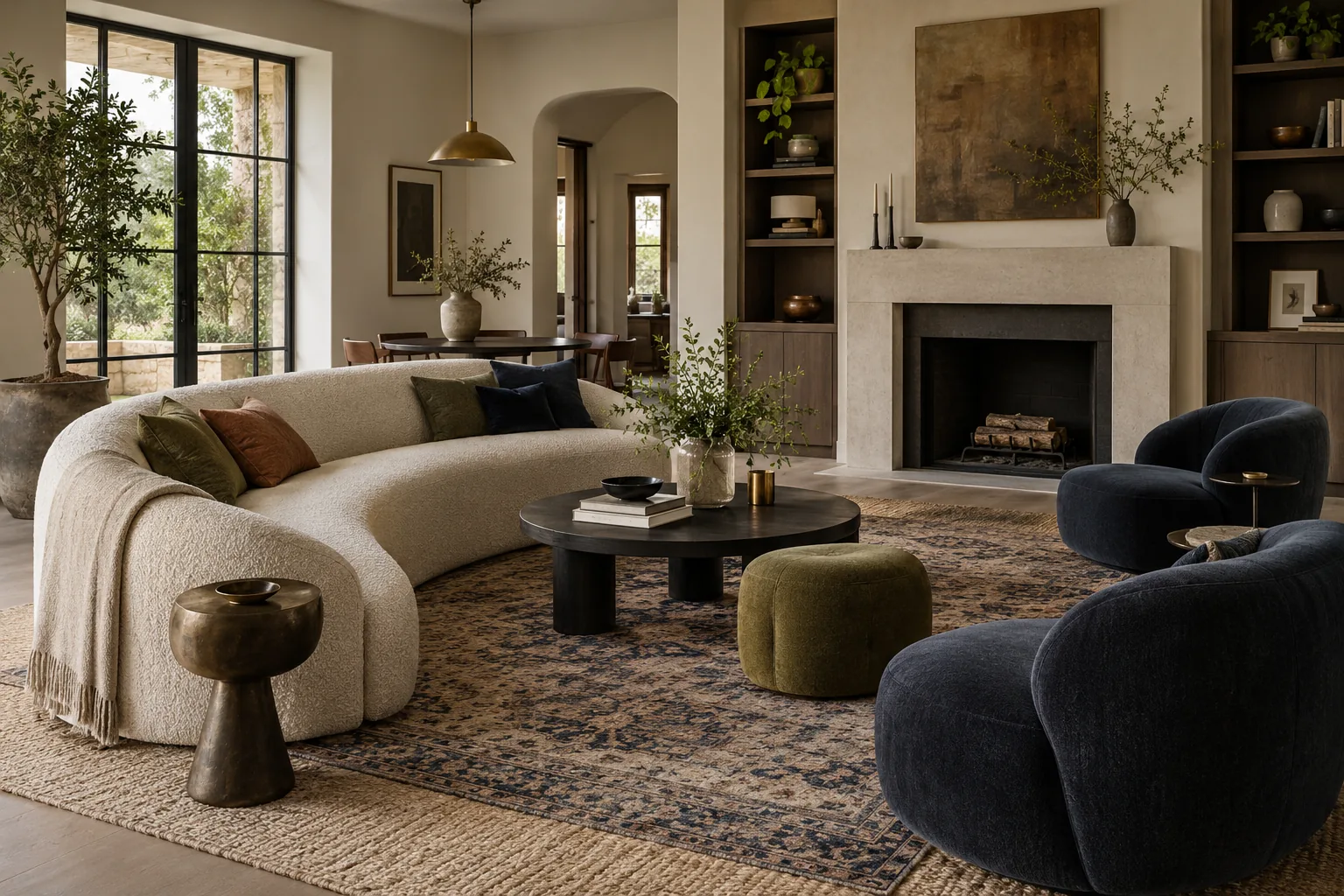
Upload a clear photo so the design can respond to the room you actually have, including its openings, proportions and existing pieces.
AI ROOM DESIGNER
Upload a room photo, describe the mood and practical needs, then explore a tailored design direction with your AI designer.
Recommended for you
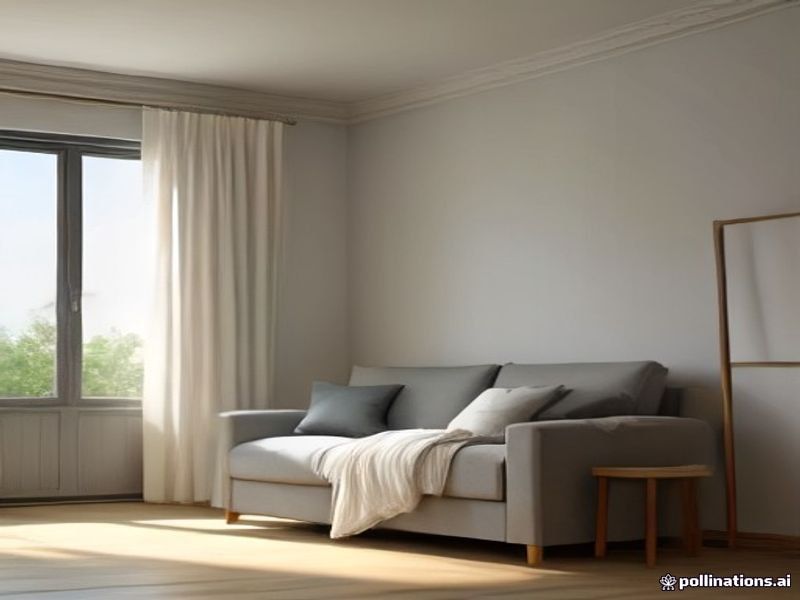
One room photo. A thoughtful new direction.
AI ROOM DESIGNERFROM PHOTO TO DIRECTION
Give the designer what it needs, review a concrete direction, then refine the details in the same conversation.
Upload a clear photo so the design can respond to the room you actually have, including its openings, proportions and existing pieces.
Share your style, budget, must-keep furniture, storage needs and who uses the space. Practical constraints shape the concept.
The FastClaw design agent turns your brief into a visual direction and explains the palette, furniture logic and next decisions.
Ask for warmer lighting, a lower budget, another layout or a different style while keeping the conversation and original photo together.
How it works
Bring the room you have, describe the life you want, and keep adjusting the design until it feels right.
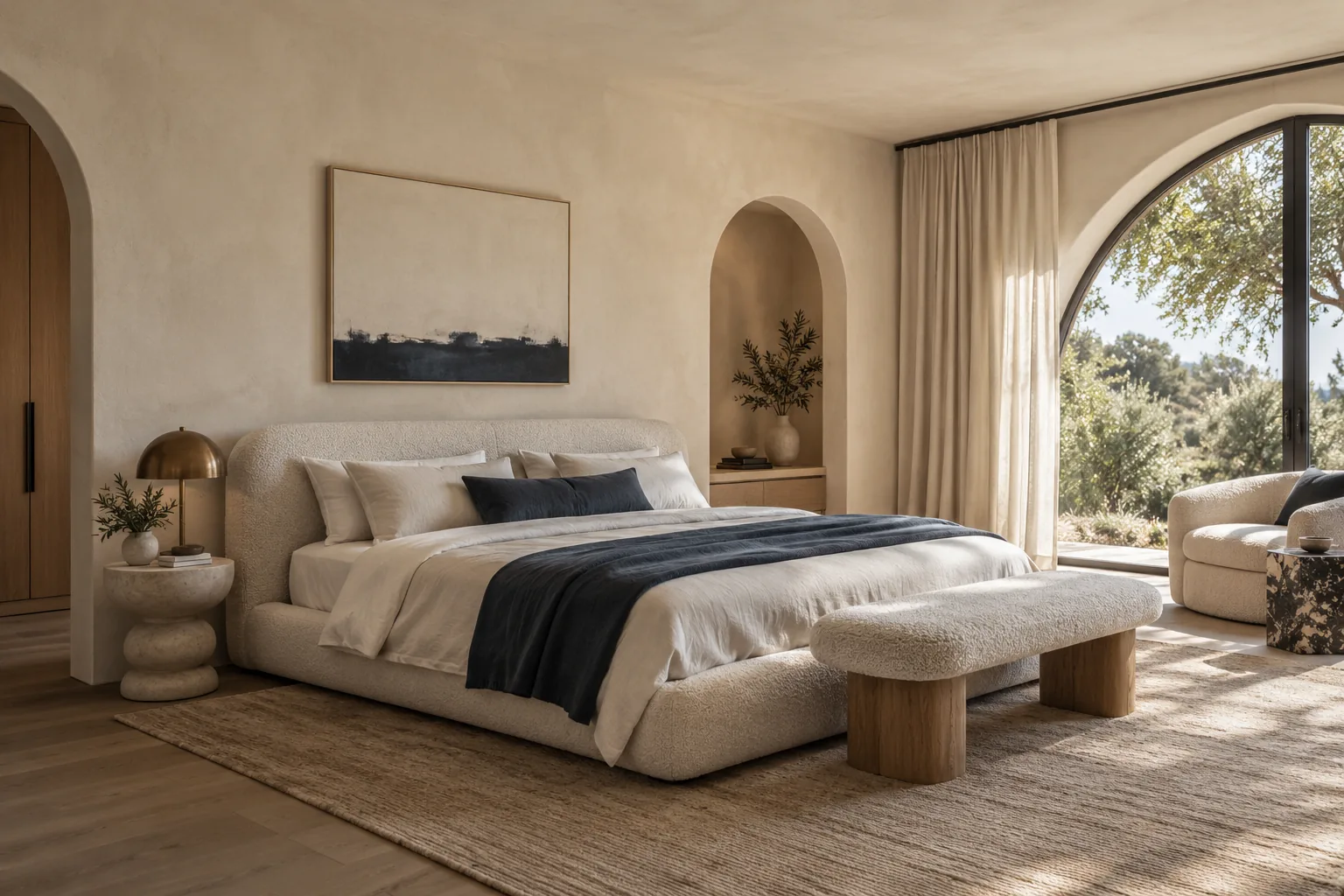
Add a clear room photo or floor plan so the designer can work with the real space.
Share the mood, budget, furniture to keep, storage needs, and who uses the room.
Review a direction, then ask for a new layout, warmer lighting, or a more practical version.
ROOM DESIGN GALLERY
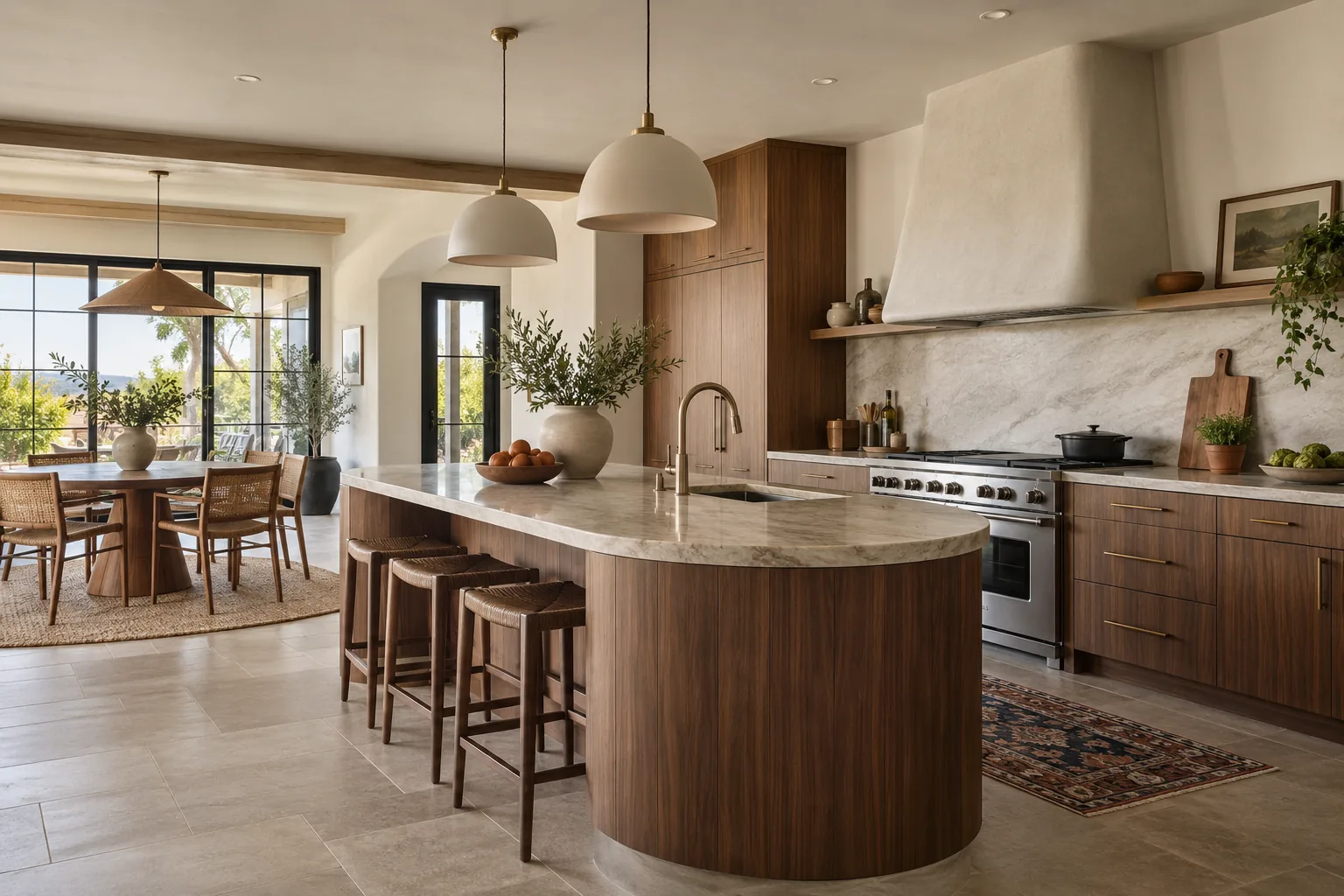
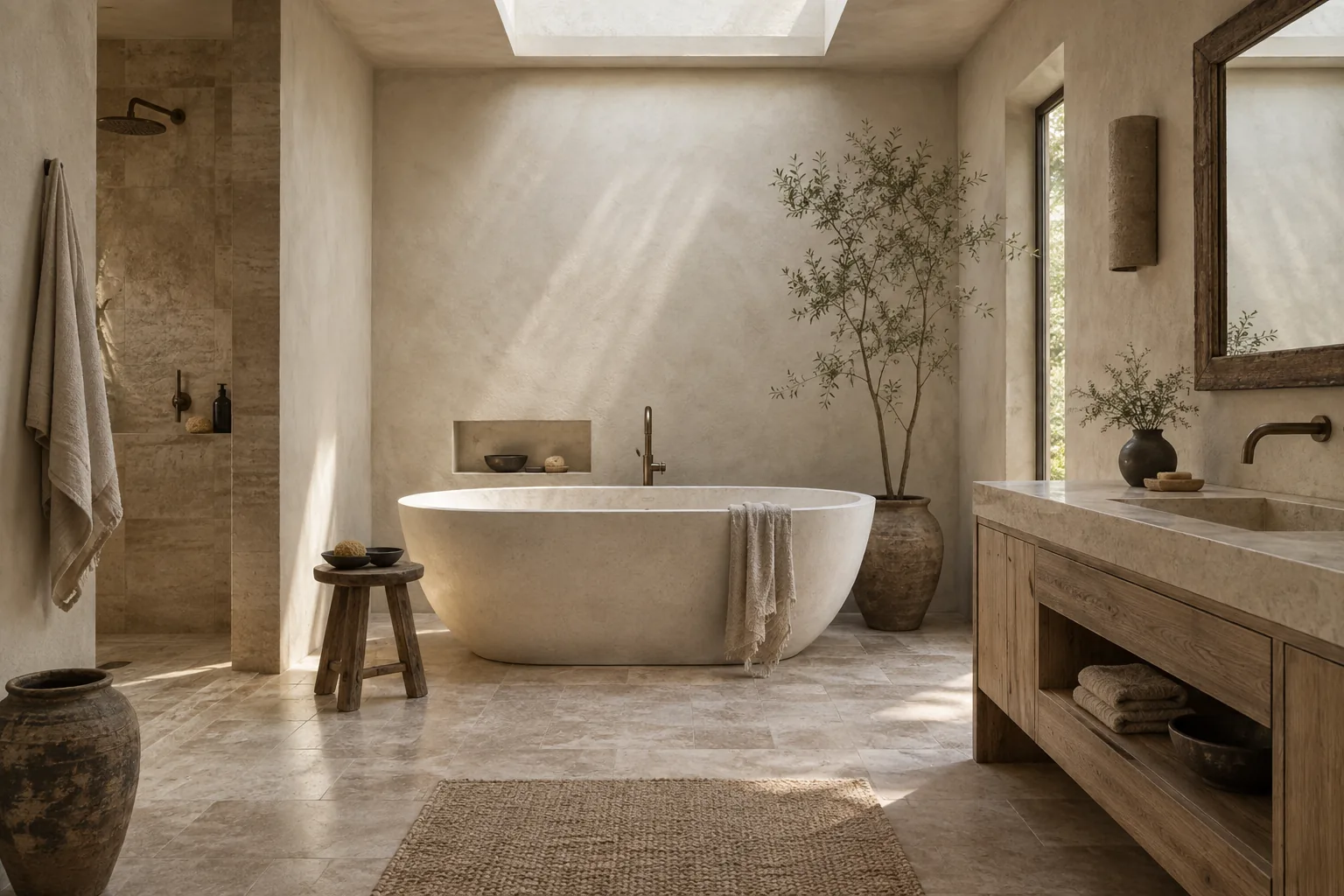
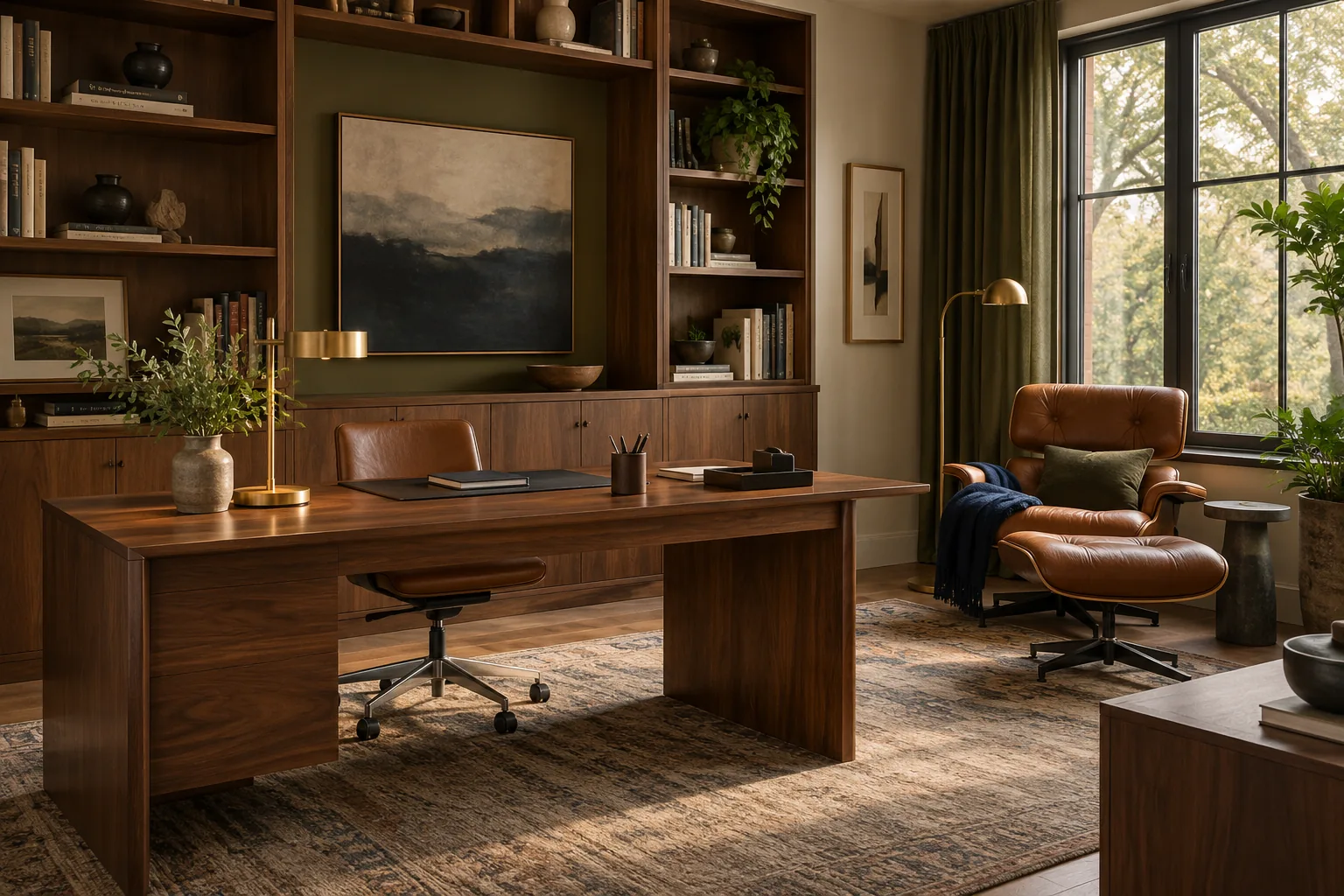
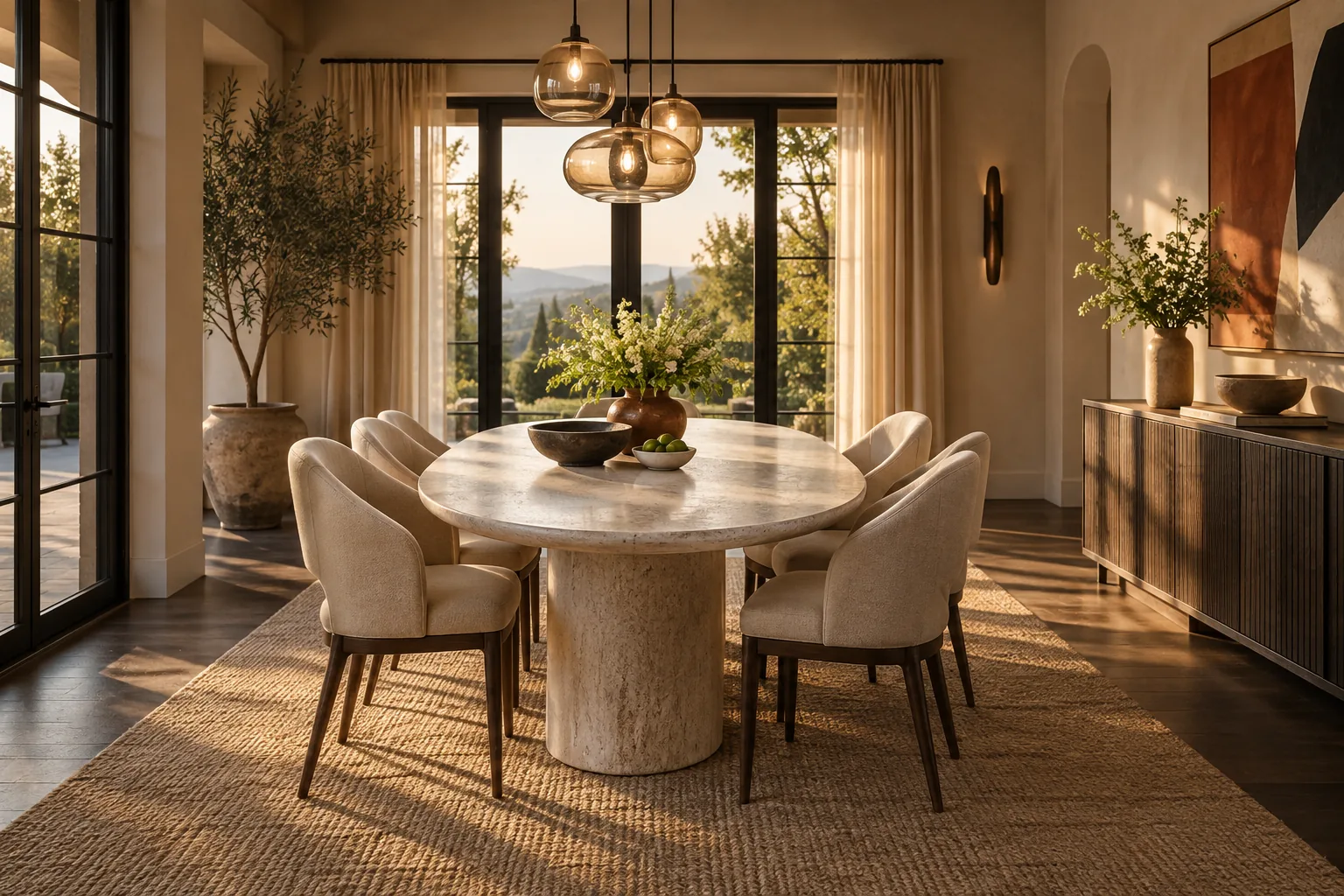
Explore practical room transformations guided by photographs, constraints and personal taste.
Made for real rooms
Keep the parts that matter, work around real constraints, and continue the same conversation as your decisions evolve.
Redesign one room or think through a whole home
Keep the architecture while changing furniture, color, and atmosphere
Refine layouts, materials, lighting, and budget through conversation
Typical use cases
Compare several directions for the same living room before committing to large furniture purchases.
Typical homeowner use case
Preview color, lighting, and removable furnishing changes without altering the fixed finishes.
Typical renter use case
Give an empty room a believable lifestyle so buyers can understand how the space might feel.
Typical real estate use case
Designed around your next move
Product updates, guides, and engineering notes from the team.
FREQUENTLY ASKED QUESTIONS
Upload a room photo or describe a space, add your style and practical constraints, then chat with the design agent to develop and refine a visual direction.
A photo produces a more relevant direction because the agent can respond to your actual space. You can still begin with a written description when you are planning a room from scratch.
Mention the room type, preferred style, budget range, colors you like, furniture that must stay, storage needs and any accessibility, child or pet considerations.
No. The results are design concepts for exploration. Confirm dimensions, structure, codes, electrical work, plumbing and product suitability with qualified local professionals before purchasing or building.
Your photo and prompt are sent to the configured FastClaw agent and its service providers to complete the requested design task. Review the Privacy Policy for the current processing details.
Yes. Keep the same conversation and request changes such as a warmer palette, a smaller budget, a different furniture layout or a more durable material choice.
You can explore residential or commercial ideas, subject to the terms of the AI and content providers involved. Verify usage rights before publishing or selling generated assets.
An account keeps each conversation, uploaded room photo and generated concept linked to the correct user and lets you return to earlier design decisions.
The web app is responsive and supports mobile browsers. A larger screen is more comfortable when comparing room details and revisions.
Open a support ticket from your account and include the conversation, device and steps that led to the problem.
Bring one photo, your real constraints and the feeling you want to create.